Installation
• 3 min read
Downloading and Installing AGONY Hub v1.0.0
AGONY Hub v1.0.0 is distributed as an official, self-contained Windows 64-bit installer executable (AGONY Hub Setup 1.0.0.exe, exactly 93,818,896 bytes).
System Requirements:
- Operating System: Windows 10 (64-bit, Build 19041+) or Windows 11 (64-bit).
- Hardware: 64-bit multi-core CPU, 4 GB RAM, and at least 500 MB free disk space.
- Privileges: Standard user account. AGONY Hub installs into your Windows user directory without requiring Administrator UAC elevation.
Step-by-Step Installation:
-
Download Installer: Visit the official
Download page or click
Download Now. Verify the file size is 89.47 MB (93,818,896 bytes).
-
Run Setup: Double-click AGONY Hub Setup 1.0.0.exe.
-
Review License: Read and accept the AGONY Hub End-User Commercial License.
-
Installation Location: Setup installs automatically to:
%LOCALAPPDATA%\Programs\AGONY Hub
-
Shortcuts & Finish: Choose whether to create Desktop and Start Menu shortcuts, click Install, and finish setup.
AGONY Hub Setup 1.0.0 • NSIS Installation Wizard
Windows 64-bit
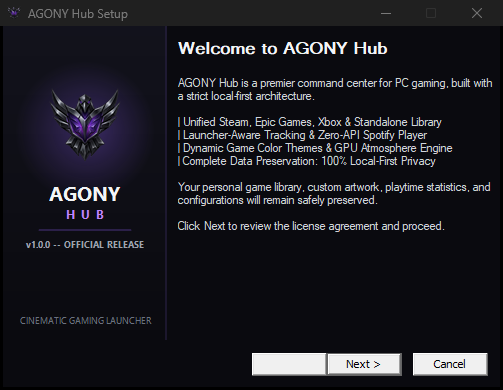
Figure 1.1: Official AGONY Hub v1.0.0 installation wizard welcome screen.
Integrity Verification: In Windows PowerShell, verify the SHA-256 hash before running:
Get-FileHash "AGONY Hub Setup 1.0.0.exe" -Algorithm SHA256
Expected Hash: d028f2c30e72cc18fdc755ad326df294bffdfedb9531851054e8f849df169ce1
Navigation
• 4 min read
First Launch, Onboarding & Navigating the Application
When AGONY Hub launches for the first time with an unpopulated library, the First-Run Platform Discovery modal (#first-run-modal) automatically appears.
1. First-Run Discovery Setup:
AGONY Hub checks standard system locations for installed platforms on your PC and presents available options:
- Steam Platform: Discovers Steam games through registry detection and manifest scans.
- Epic Games: Reads official Epic manifest items from ProgramData.
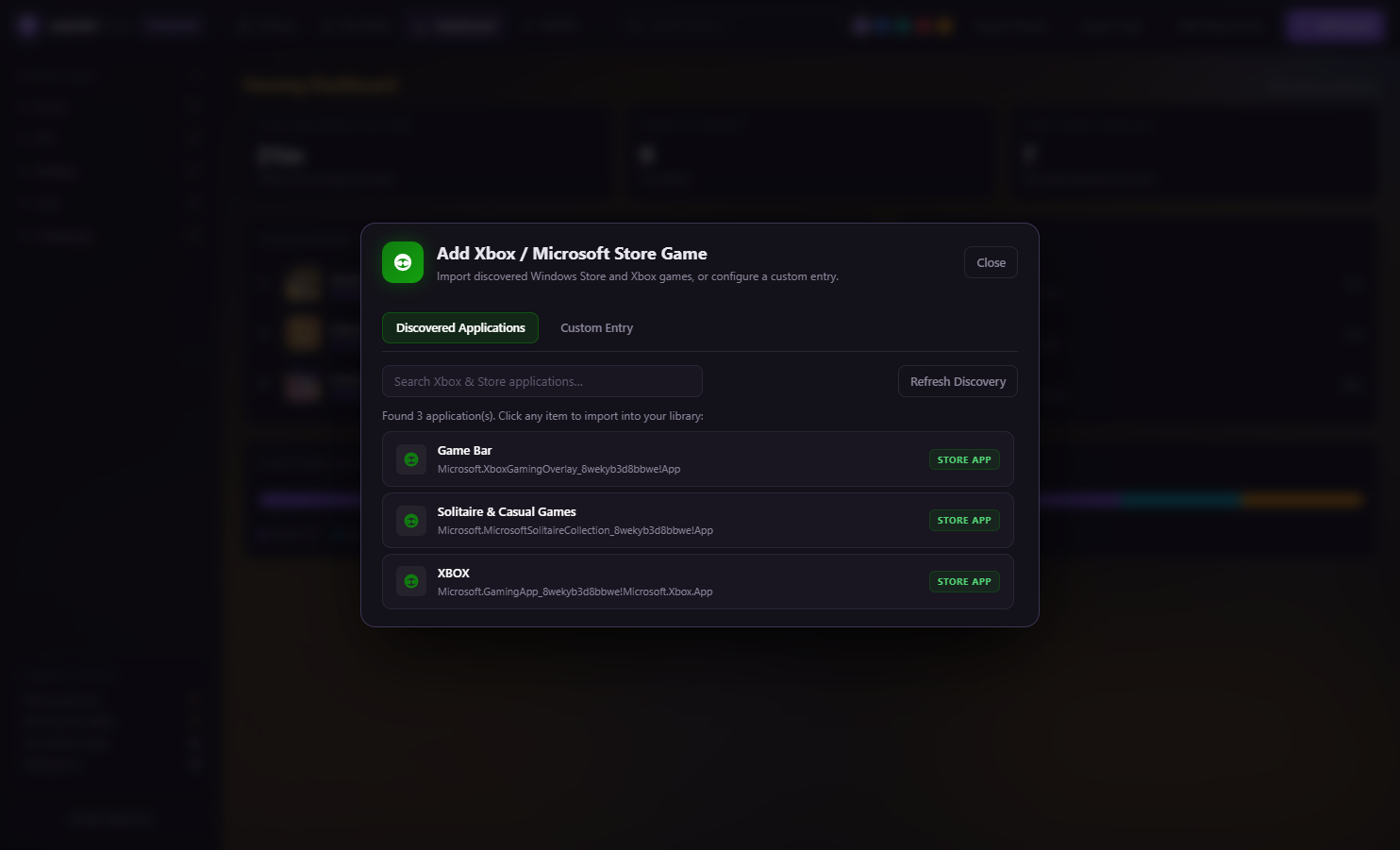
- Xbox / Windows Apps: Discovers installed Microsoft Store / UWP gaming packages.
Click Import Selected Platforms (#first-run-import-btn) to scan your libraries automatically, or click Skip (#first-run-skip-btn) to start with an empty library.
2. Topbar Navigation Tabs:
The frameless minimal-luxury titlebar and header contain 5 main navigation views:
- Library (
#nav-library): Grid, Compact, or List view of all orchestrated games.
- Favorites (
#nav-favorites): Quick-filter showing only games you have starred.
- Dashboard (
#nav-dashboard): Visual gaming analytics, total playtime counter, and platform breakdown.
- WAND (
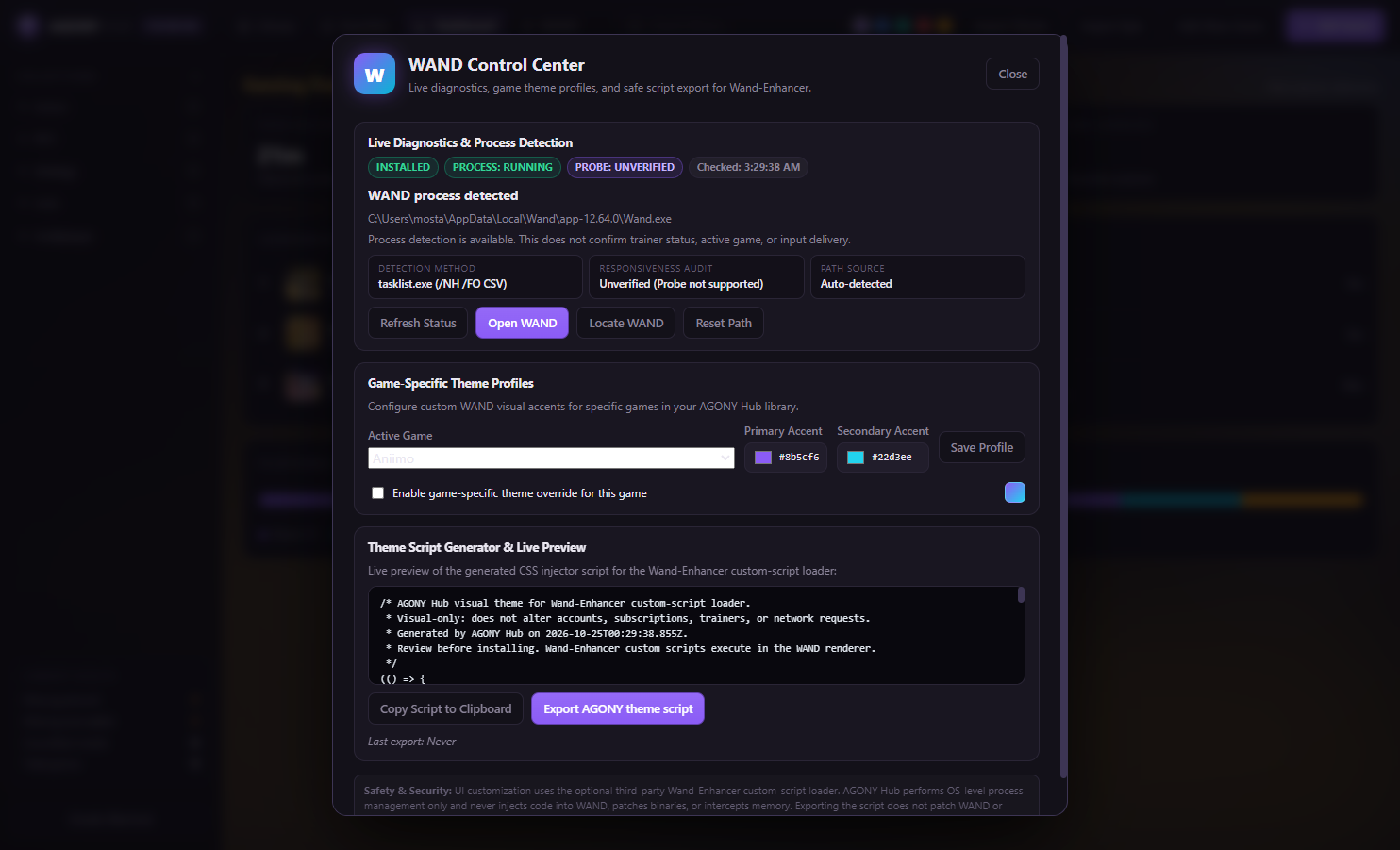
#wand-open): Opens the WAND Control Center dialog (revealed when WAND is enabled in Settings).
- Settings (
#nav-settings): Preferences, themes, Spotify, updater, and system configuration.
3. Language & RTL Switching:
Click the العربية / English toggle (#topbar-lang-toggle) in the topbar. AGONY Hub instantly toggles between English and Arabic, flipping the entire interface to native Right-to-Left (RTL) mode with localized menus and tooltips.
AGONY Hub v1.0.0 • Main Interface & Library Grid
Unified Orchestration
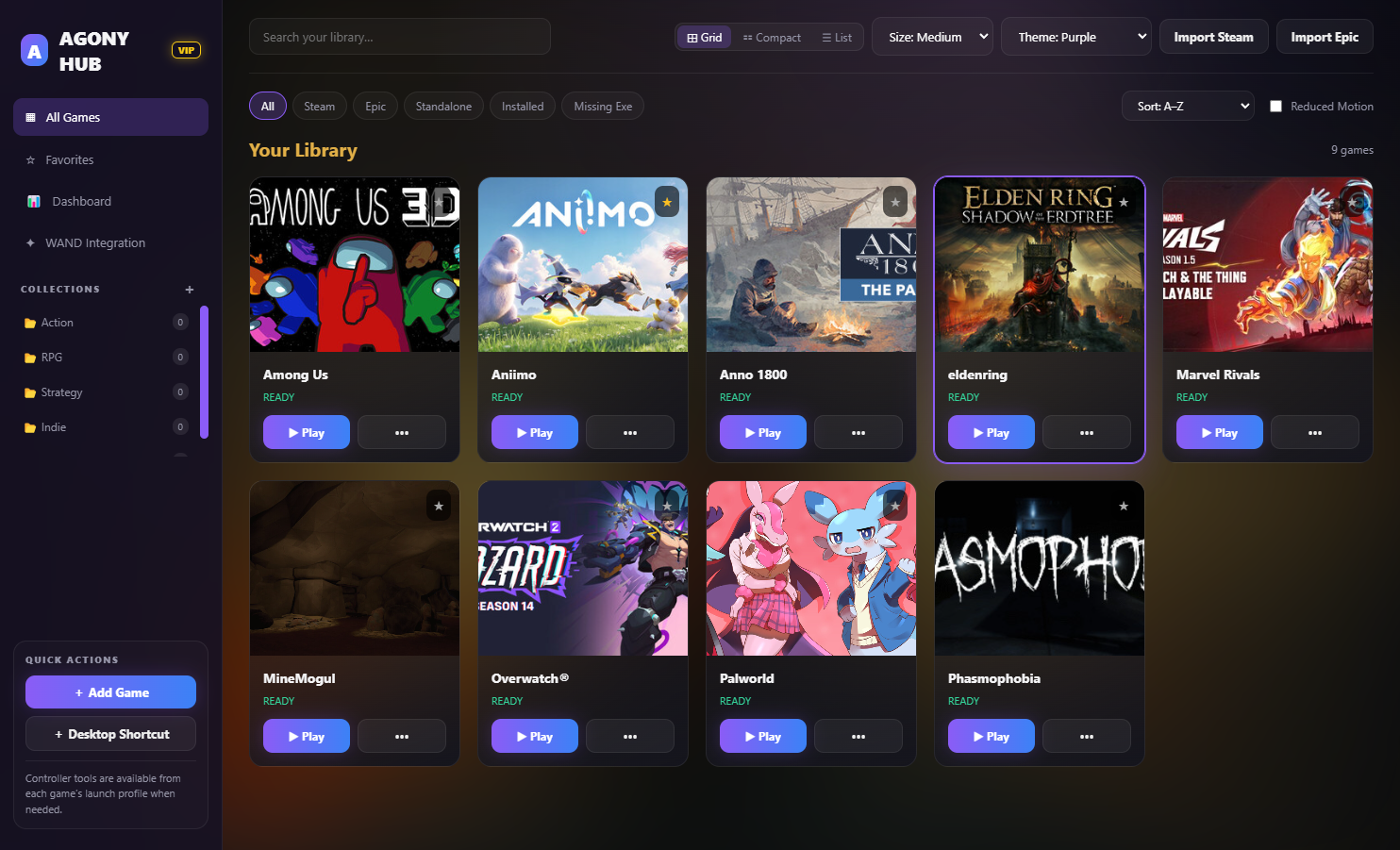
Figure 1.2: AGONY Hub v1.0.0 main interface with topbar navigation, search, and unified library grid.
Licensing
• 4 min read
Understanding Account Access, Offline Leases & Free vs. Premium
AGONY Hub uses a cryptographic licensing architecture combining Ed25519 digital signatures, 72-hour offline validity leases, and Windows DPAPI local encryption.
1. Account Registration & Instant Free Tier:
When you create an account on the website or in the desktop Welcome Modal, new accounts receive instant approval (status: 'approved') and are immediately provisioned with a Free tier license.
2. 72-Hour Offline Cryptographic Leases:
During login or license refresh, the Cloudflare Edge server issues an Ed25519 digitally signed lease valid for 72 hours, encrypted via Windows DPAPI to %APPDATA%\AGONY Hub\license.dat. You can launch your games offline for up to 3 days without internet access.
3. Free vs. Premium Feature Comparison:
| Feature Capability |
Free Tier |
Premium Tier ($4.99/mo) |
Multi-Platform Game Launching
(Steam, Epic, Xbox, Standalone) |
✓ Unlimited |
✓ Unlimited |
Native Spotify Audio Controls
(Play, pause, skip, WASAPI volume/mute) |
✓ Zero keys needed |
✓ Zero keys needed |
| 72-Hour Offline Leases |
✓ Included |
✓ Included |
| Device Slot Limit |
1 PC |
2 Active PCs |
| Theme & Appearance Library |
Obsidian Void (Default) |
✓ 8 Presets + Online Catalog |
| Custom Accent Colors & Theme Export |
Preset only |
✓ Full custom hex picker & export |
| Atmosphere Mode (Rain & Snow) |
Disabled |
✓ 30 FPS GPU-accelerated engine |
| Spotify Mini-Player Expansion |
Basic topbar playback |
✓ Sidebar player & centered art |
| Gaming Analytics Dashboard |
Restricted |
✓ Playtime totals & platform charts |
| WAND Theme Script Generation |
Restricted |
✓ Script preview & export |
4. Account Status & Suspension Enforcement:
The topbar badge displays your authoritative account status: FREE, PREMIUM, or OWNER. If an account is suspended:
- Server sessions are revoked and the local offline lease is immediately invalidated.
- Core launcher operations (
launch-game, launch-wand) are fail-closed and return ACCOUNT_SUSPENDED.
- The desktop displays the red shield Account Suspended lock screen with a Sign In with Another Account button.
- Data Safety Guarantee: Suspending an account never deletes or alters your installed games in
%APPDATA%\AGONY Hub\library.json.
Configuration
• 3 min read
Finding Settings and Customizing the Experience
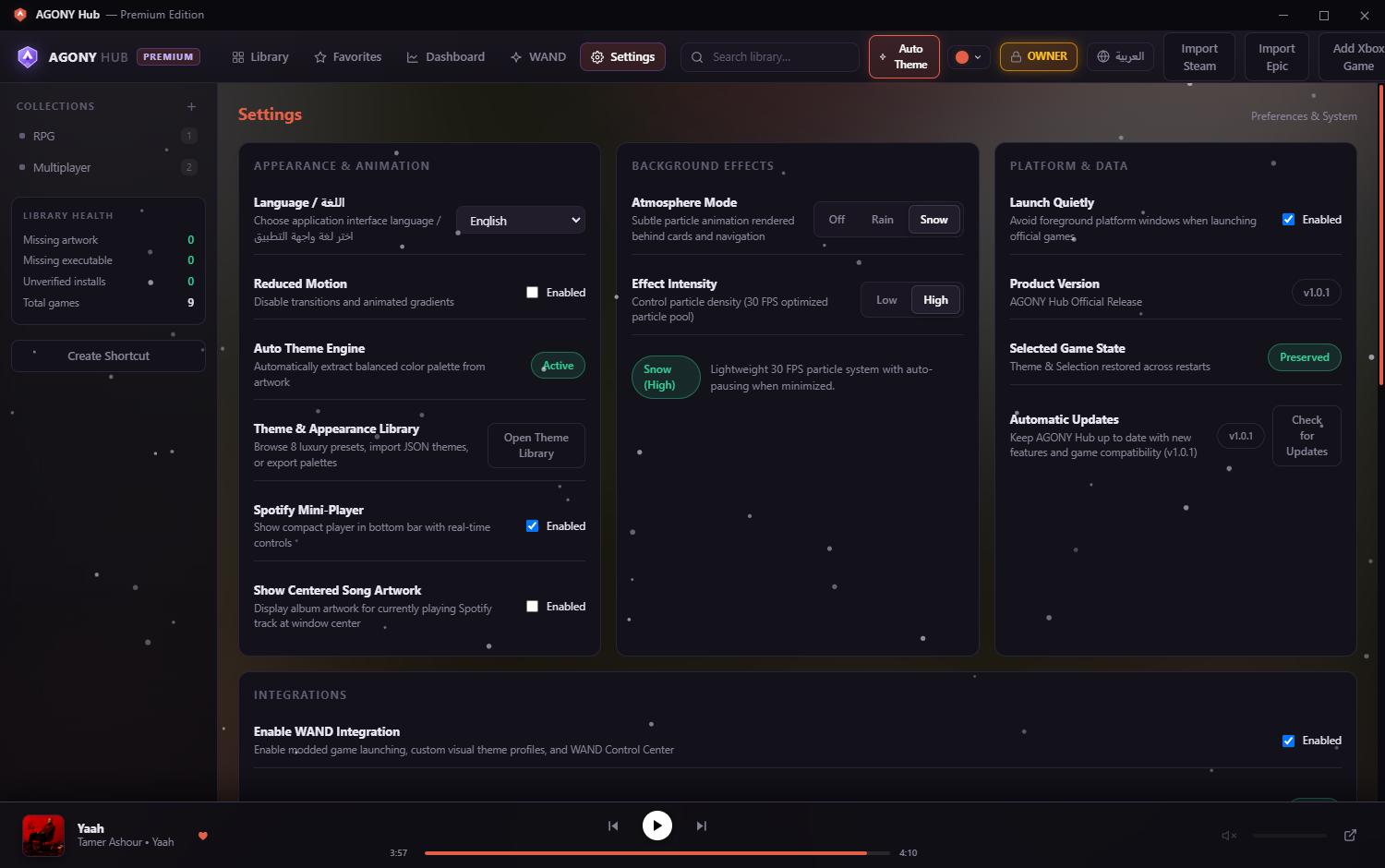
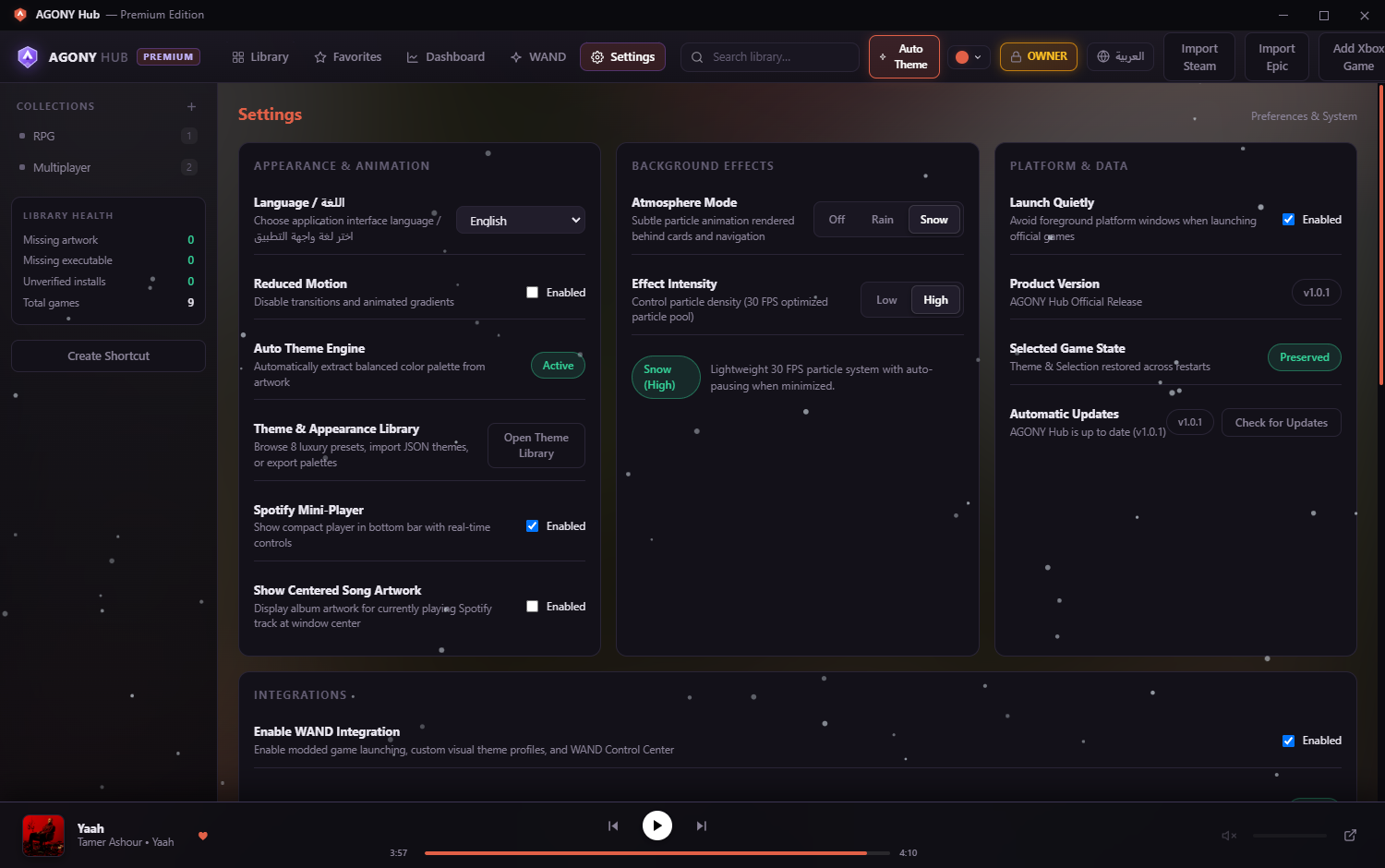
Click Settings (#nav-settings) in the topbar to configure your preferences.
Core Settings Sections:
- Appearance & Animation: Interface language selector (English / العربية), Reduced Motion toggle, Auto Theme Engine indicator, and Open Theme Library.
- Background Effects: Atmosphere Mode selector (Off, Rain, Snow) and Effect Intensity (Low, High).
- Platform & Data: Launch Quietly toggle (avoids foreground platform windows), Product Version indicator (v1.0.0), and Check for Updates.
- Integrations: Enable WAND Integration toggle, availability diagnostics, and WAND Control Center actions.
- Spotify Media Integration: Local SMTC & WASAPI status, Open Spotify, Check Status, and optional Custom Connection… dialog.
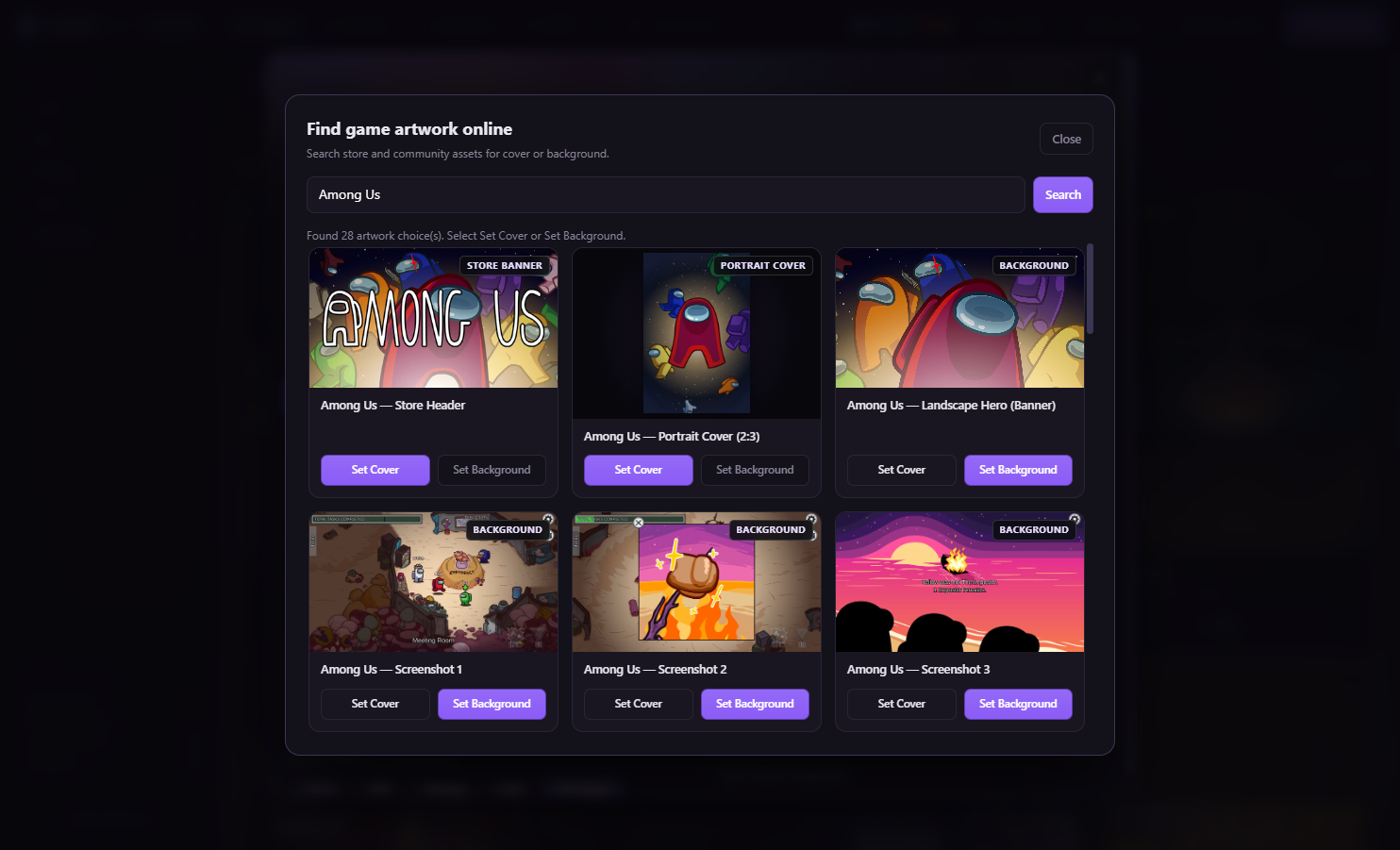
- Online Artwork Provider (SteamGridDB): Optional API key configuration for community cover artwork.